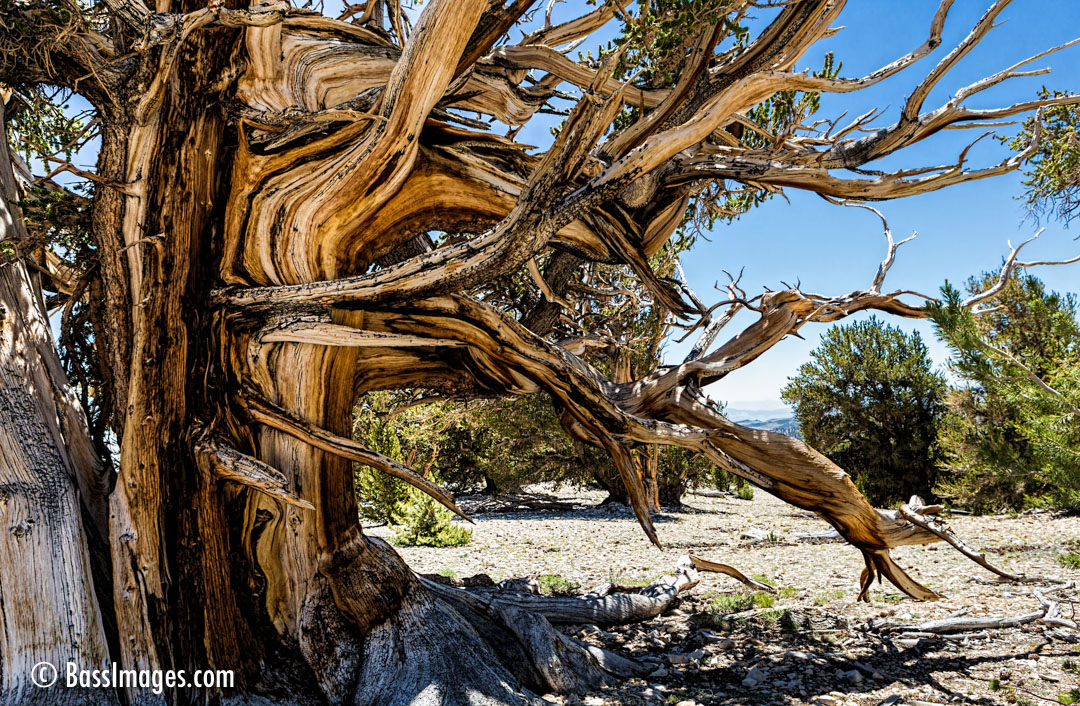

Used a negative value -175 for the right margin of left image. Used a positive 150 for top margin of right image.
How to do Overlapping Text
Just like this. (top margin set to -15px

Overlapping sections. Image layer set to minus value on bottom margin, text layer to minus on top margin.
Finally, in your image module’s advance design settings tab, enter a negative value in to the bottom margin field. I’ve used -235px for this example. Your value will likely be different depending on your exact use case.
Finally, in your image module’s advance design settings tab, enter a negative value in to the bottom margin field. I’ve used -235px for this example. Your value will likely be different depending on your exact use case.
No space between images by turning on “Use Custom Gutter Width” in the row settings.